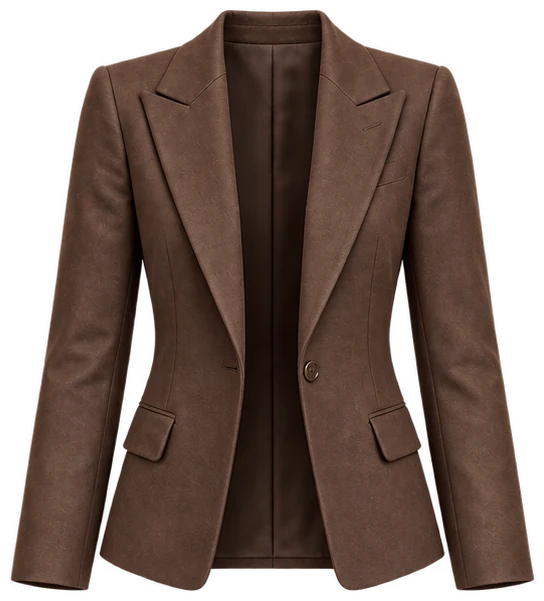
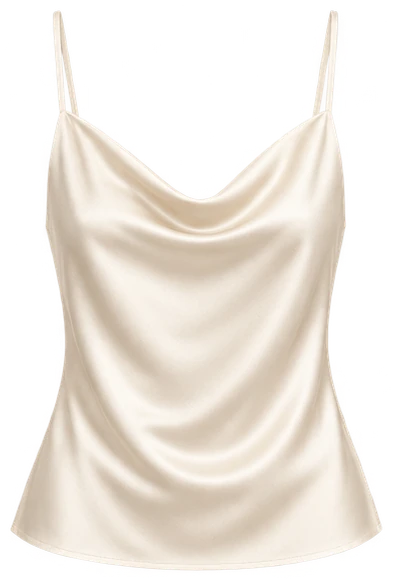
 kulis
kulisKeep the whole garment in the frame, use even light and reduce overlap. Clothes can be worn, hung up or laid flat. Check the prepared result before adding it to your wardrobe.
Choose the easiest setup for the piece
Lay a garment flat when you want its shape to be clear. A hanger can work well for a shirt or jacket. A photo of someone wearing the clothes can also work, as long as the relevant pieces are visible and you are entitled to use the image.
You do not need a studio. Choose a background that makes the edges easy to distinguish, and move bags, hair or other objects away from important details.
Show the edges and the colour
Keep sleeves, hems and the bottom of trousers inside the frame. Check for blur, harsh shadows and colour casts. Even light helps; heavy filters can change the appearance of the fabric.
When several clothes overlap, hidden details may be missed or filled in by AI. A separate photo is useful when you need a clearer view of a particular piece.
Check before uploading
Zoom in and check that buttons, prints and sleeve ends are visible. Compare the colour on screen with the actual garment. Retake a blurry picture before starting processing.
- Is the entire piece inside the frame?
- Are important details hidden by another object?
- Does the colour resemble the real item?
- Can you see the pattern and edges clearly?
Photos and preparation credits are different
Kulis starts the first wardrobe setup with one photo. In the later standard gallery flow, you can select up to five photos at once. A photo can produce up to six suitable pieces, depending on visibility, successful results and your available allowance; this is not a guarantee.
Each successfully prepared garment can use its own piece credit. Trying to fit more items into one frame is less useful than making each piece clear.
Review the result against the original
Before saving, check colour, print, neckline, sleeve length and trouser shape. AI preparation is not a perfect copy or a measurement of fit. If an important detail differs, consider a clearer photo. A missed piece may simply have been difficult to see.
Adapt these starting ideas to your plans, comfort and personal style.
Meet Kulis