 kulis
kulisA digital wardrobe is a visual collection of your clothes. Start with a few pieces you wear often, check their details and use them to plan outfits you can actually put on.
A useful view of what is already there
A wardrobe app brings photos and clothing details into one place. You can look through your pieces without taking everything out of a drawer, compare options and return to outfits you liked. The useful part is recognising what you own and how you wear it; a perfectly catalogued wardrobe is optional.
Begin with clothes for one familiar part of your week: work, everyday errands or a weekend out. A few tops, bottoms and shoes you use together are a more practical first collection than every item you own.
From a photo to a wardrobe piece
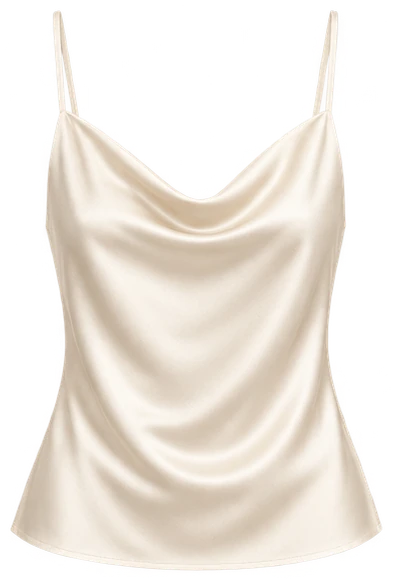
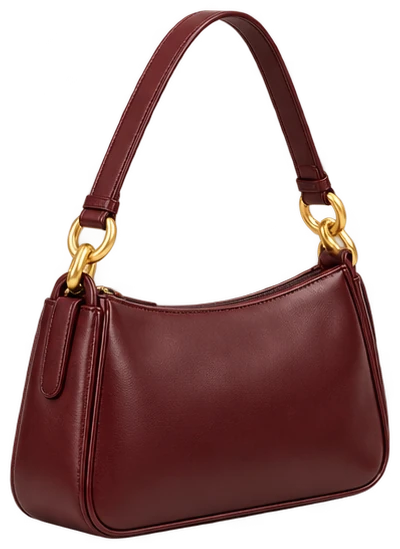
In Kulis, you can add a photo of clothes on a person, on a hanger or laid flat. With your permission, AI prepares visible garments for your wardrobe and mannequin preview. Obscured or cropped pieces may not be suitable. Review the colour, pattern and shape before saving each result.
Ready-made sample pieces let you explore before adding your own photos. A sample collection is separate from evidence that your personal clothes have been processed.
Plan a look, then check it in real life
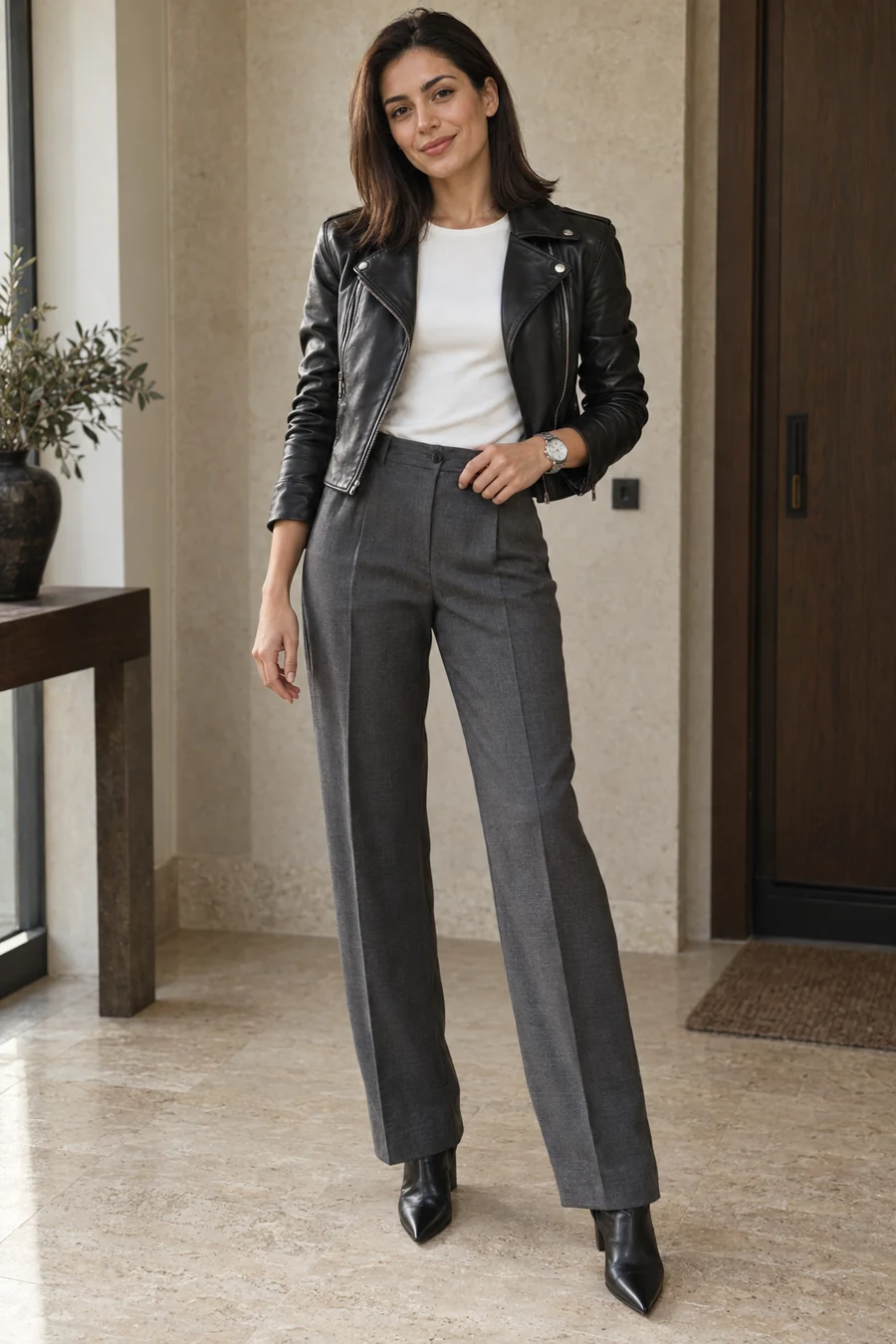
Describe a plan and use your saved clothing details to get outfit ideas. You can change pieces, view them together on a fixed mannequin and save a combination for later.
The preview is a styling aid. It does not measure your body or tell you exactly how a fabric will feel or fit. Put the real clothes on, sit down and walk a little before deciding.
Keep your collection useful
Add pieces as you need them, remove clothes you no longer use and save combinations that worked for your day. You do not need to complete the whole wardrobe before it becomes useful.
Check the account you use when signing in on another device. Account-linked wardrobe data can sync; signing out is different from deleting your account. The support and privacy pages explain those choices.
Adapt these starting ideas to your plans, comfort and personal style.
Meet Kulis